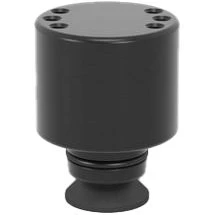
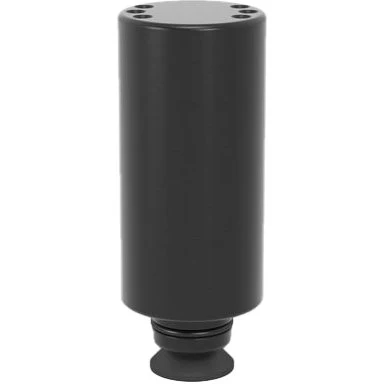
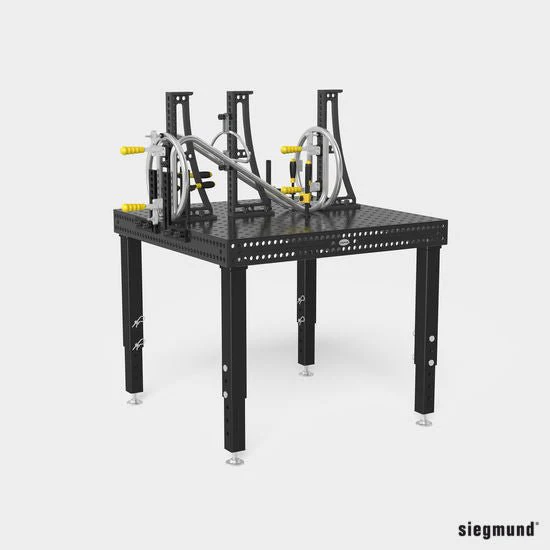
Specs and Features:
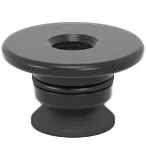
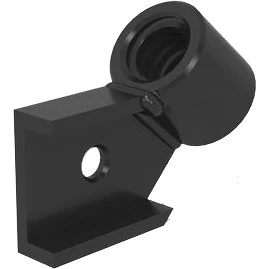
- Item No. 2-CS000183
- Nitrided
- Fastening With Countersunk Bolts 160528
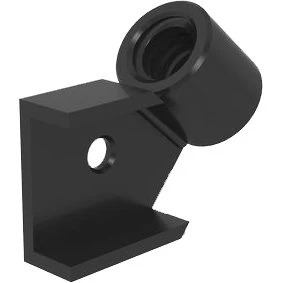
‐ Adapter For Quick-Change Clamps From Other Manufacturers
‐ Drilling Pattern Can Be Added By The Customer
- Length: 70mm (2.76'')
- Width: 70mm (2.76'')
- Material Thickness: 12mm (0.47'')
- Weight: 0.97 Ibs. (0.44kg)
1. Define the Height of the Square
- Cut the aluminum profile to the required length.
- Note the minimum height of the cut.
- Ensure cut edges are square.
- Deburr the profile after sawing.
2. Fasten the Base Plate
- Fasten aluminum profile using self tapping screws.
- When the screws are screwed in, a thread is created in the profile.
- Thread cutting is not required with self tapping screws.
- Maximum torque: 20 Nm
3. Insert Square Nuts
- Insert square nuts in the T-Slot of the aluminum profiles.
- For fastening customer-side templates (material thickness 5 – 6 mm) or optionally also lateral fastening of quick-change clamps with M8x12 screws.
4. Fasten the Cover Plate
- Fasten aluminum profile using self tapping screws.
- When the screws are screwed in, a thread is created in the profile.
- Thread cutting is not required with self tapping screws.
- Maximum torque: 20 Nm
5. Mount Accessories
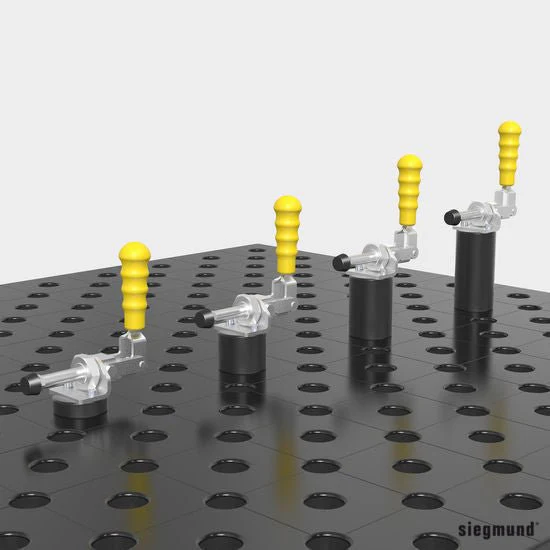
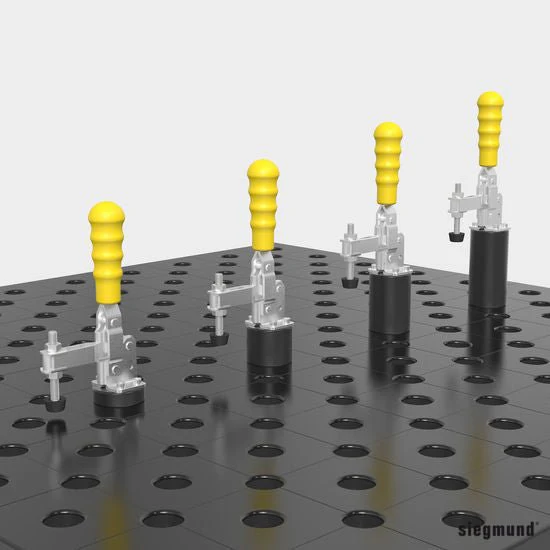
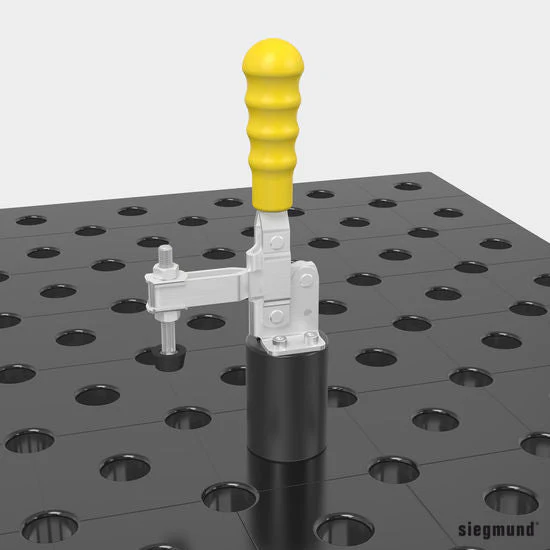
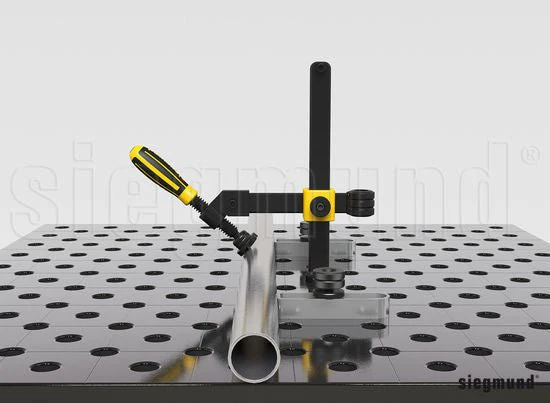
- Mount the quick-change clamp directly on the cover plate.
- The quick-change clamp can also be attached using an adapter.
6. Clamp the Device
- Attachment to perforated plate, welding table or slot table with fast clamping bolts.
- If required, use a M8x12 screw to fasten the customized template to a square nut.
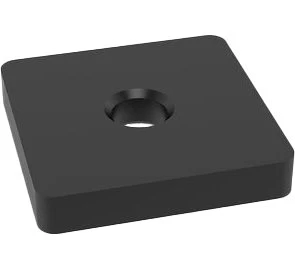
2-CS000184: Adapter Plate Without Hole Pattern For Toggle Clamp (Nitrided)
1. Define the Height of the Square
- Cut the aluminum profile to the required length.
- Note the minimum height of the cut.
- Ensure cut edges are square.
- Deburr the profile after sawing.
2. Fasten the Base Plate
- Fasten aluminum profile using self tapping screws.
- When the screws are screwed in, a thread is created in the profile.
- Thread cutting is not required with self tapping screws.
- Maximum torque: 20 Nm
3. Insert Square Nuts
- Insert square nuts in the T-Slot of the aluminum profiles.
- For fastening customer-side templates (material thickness 5 – 6 mm) or optionally also lateral fastening of quick-change clamps with M8x12 screws.
4. Fasten the Cover Plate
- Fasten aluminum profile using self tapping screws.
- When the screws are screwed in, a thread is created in the profile.
- Thread cutting is not required with self tapping screws.
- Maximum torque: 20 Nm
5. Mount Accessories
- Mount the quick-change clamp directly on the cover plate.
- The quick-change clamp can also be attached using an adapter.
6. Clamp the Device
- Attachment to perforated plate, welding table or slot table with fast clamping bolts.
- If required, use a M8x12 screw to fasten the customized template to a square nut.
$26.00
2-CS000184: Adapter Plate Without Hole Pattern For Toggle Clamp (Nitrided)—
$26.00
Product Information
Product Information
Shipping & Returns
Shipping & Returns
Description
Specs and Features:
- Item No. 2-CS000183
- Nitrided
- Fastening With Countersunk Bolts 160528
‐ Adapter For Quick-Change Clamps From Other Manufacturers
‐ Drilling Pattern Can Be Added By The Customer
- Length: 70mm (2.76'')
- Width: 70mm (2.76'')
- Material Thickness: 12mm (0.47'')
- Weight: 0.97 Ibs. (0.44kg)
1. Define the Height of the Square
- Cut the aluminum profile to the required length.
- Note the minimum height of the cut.
- Ensure cut edges are square.
- Deburr the profile after sawing.
2. Fasten the Base Plate
- Fasten aluminum profile using self tapping screws.
- When the screws are screwed in, a thread is created in the profile.
- Thread cutting is not required with self tapping screws.
- Maximum torque: 20 Nm
3. Insert Square Nuts
- Insert square nuts in the T-Slot of the aluminum profiles.
- For fastening customer-side templates (material thickness 5 – 6 mm) or optionally also lateral fastening of quick-change clamps with M8x12 screws.
4. Fasten the Cover Plate
- Fasten aluminum profile using self tapping screws.
- When the screws are screwed in, a thread is created in the profile.
- Thread cutting is not required with self tapping screws.
- Maximum torque: 20 Nm
5. Mount Accessories
- Mount the quick-change clamp directly on the cover plate.
- The quick-change clamp can also be attached using an adapter.
6. Clamp the Device
- Attachment to perforated plate, welding table or slot table with fast clamping bolts.
- If required, use a M8x12 screw to fasten the customized template to a square nut.